
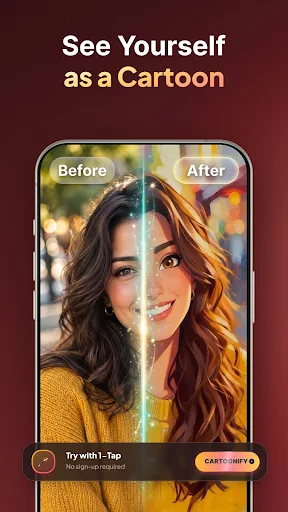
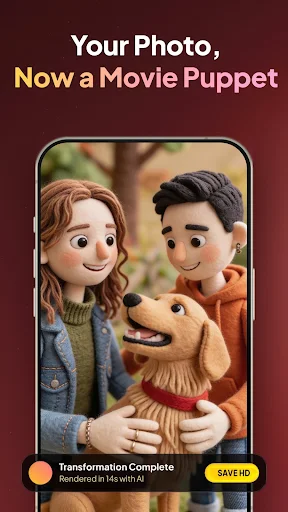
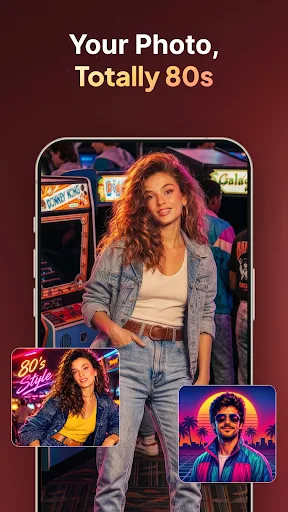
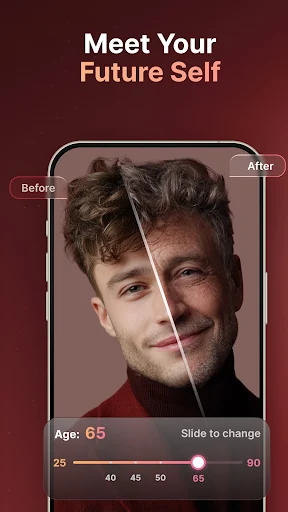
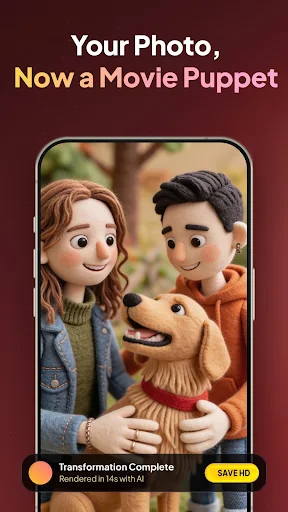
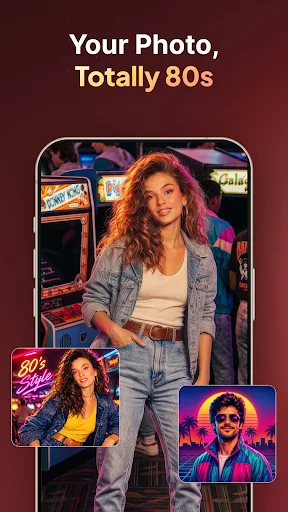
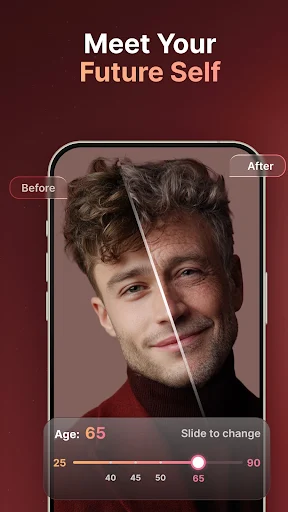
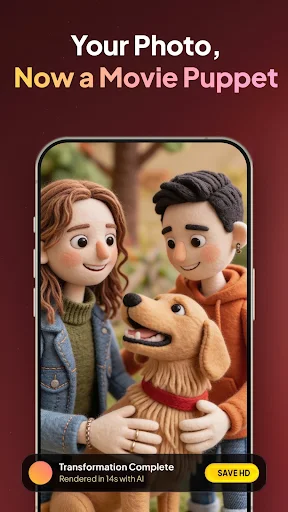
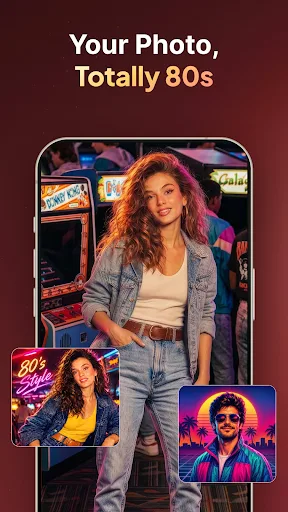
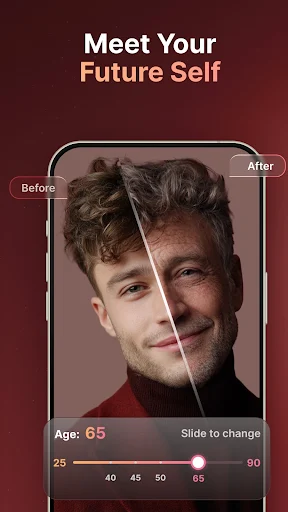
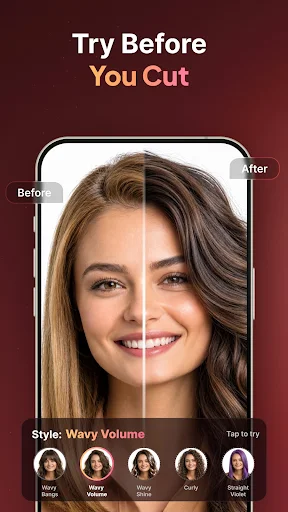
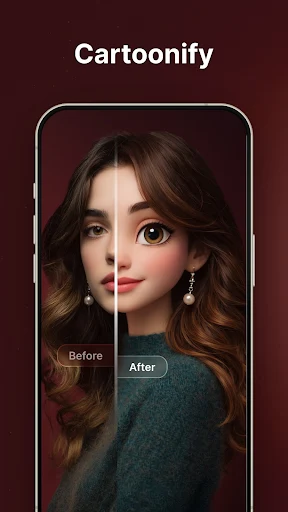
The app AI Trend Photo Editor & Maker offers a versatile set of tools for transforming and refining images, leveraging artificial intelligence for creative effects alongside a full suite of traditional editing functions. Users can convert selfies into cartoon characters or anime-style portraits, apply age filters to visualize themselves in the future or past, and enhance blurry or low-quality photos into high-definition clarity. Beyond these AI-driven transformations, the app includes essential editing capabilities such as applying aesthetic filters, adjusting brightness, contrast, and saturation, and precise cropping and resizing for various platforms.
AI-Driven Image Modification
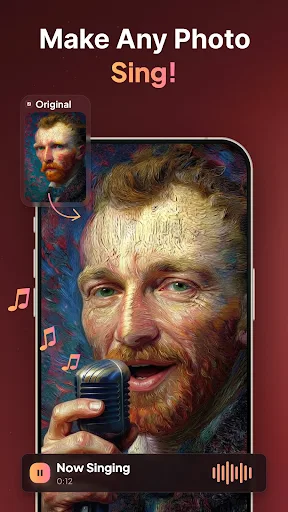
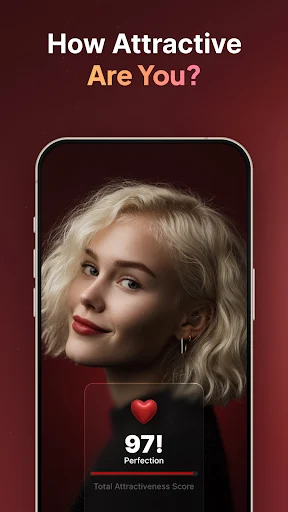
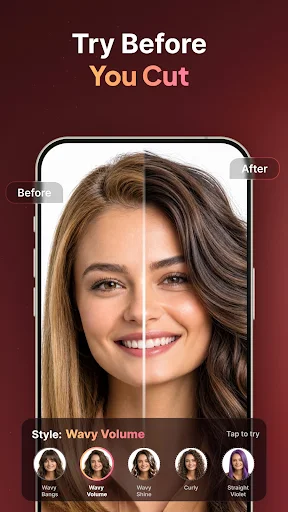
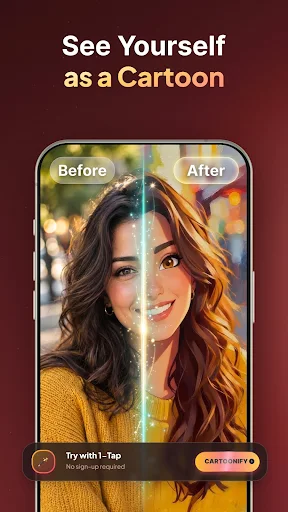
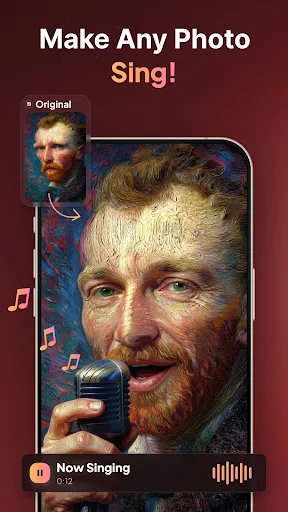
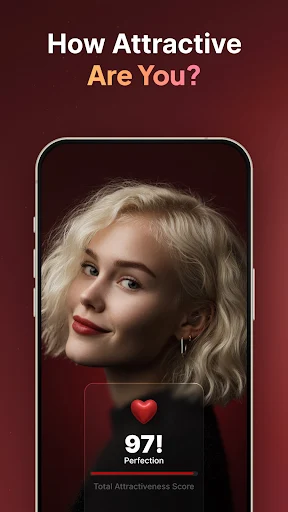
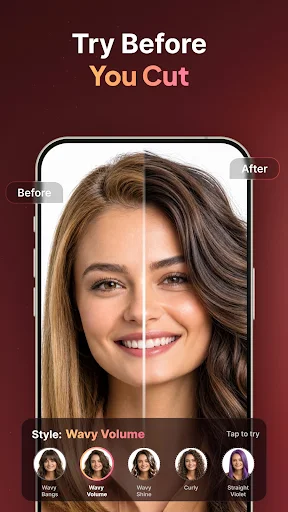
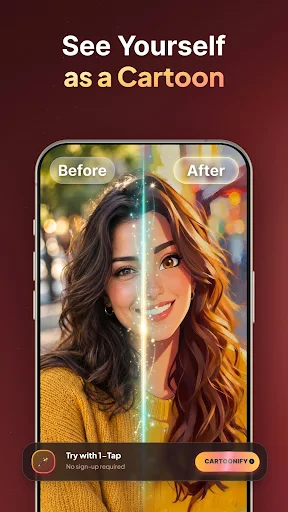
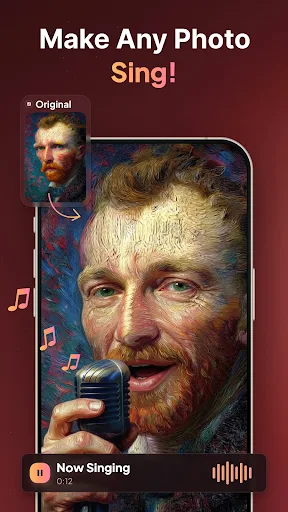
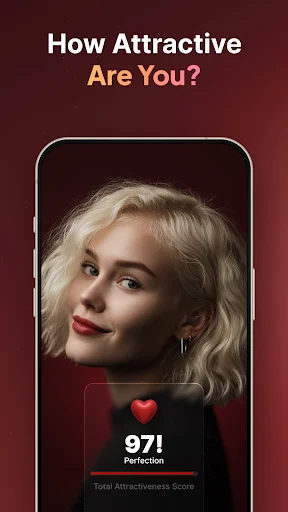
AI Trend Photo Editor & Maker provides several distinct AI features for photo manipulation. The Cartoonify function allows users to transform any photo into a cartoon character or an artistic avatar. For those curious about appearance changes, the Time Machine feature applies an age filter to depict individuals in 20 or 50 years, or revert to a childhood likeness. The Photo Enhancer is designed to improve image quality, converting blurry, low-quality, or older photographs into high-definition visuals with AI-powered clarity, which can be particularly useful for scanned prints. Additionally, the Hair Changer enables instant experimentation with different hair styles and colors on a portrait. For dynamic content, Animate My Photo can make a portrait sing to a chosen song, complete with realistic facial animation. The app also includes an Attractiveness Score feature, which provides an AI assessment of a photo. Beyond personal images, AI-Home allows users to upload a photo of a room and receive AI-suggested interior design ideas.
Professional Editing and Creative Effects
In addition to its AI capabilities, the app incorporates a range of professional editing tools. Users can apply various aesthetic Filters and Adjust options, along with granular control over brightness, contrast, and saturation. The Crop and Resize function provides exact dimensions suitable for platforms like Instagram and TikTok. Users can further personalize their shots by adding Text and Stickers with trendy fonts and fun elements. For more artistic expression, the app includes Creative Effects and Collage features such as Neon and Drip for glowing outlines and dripping effects on portraits, Motion and Blur to simulate movement or create DSLR-style background blur, and Collage and Mirror to combine multiple photos or build symmetrical art. The Splash effect allows users to retain one color in an image while converting the rest to black and white.
The developer, Mor Tosbaa Mobile, has implemented system-level performance enhancements and resolved identified bugs in recent updates to provide a faster, more reliable experience.





Write a review